RNS-E emulator
This runs the real software of the RNS-E navigation unit on an emulated unit, inside this page.
The software is not here: it comes from an update disc, and you have to bring an image of one
(an .iso file of the CD).
Your files stay on your computer. They are read by this page and are not sent anywhere; the site only serves the emulator itself.
An ISO image of a software update CD, or its
LOADING.KWI file.An ISO image of a navigation DVD, or the image of an SD card prepared for the unit. Read as needed, not loaded.
Latitude, longitude and optionally course. Empty: San Francisco.
Speed in km/h, optionally
,turn in degrees a second.Only for map data that was made for one unit.
display folded down
(CD drive and card slots accessible)
(CD drive and card slots accessible)
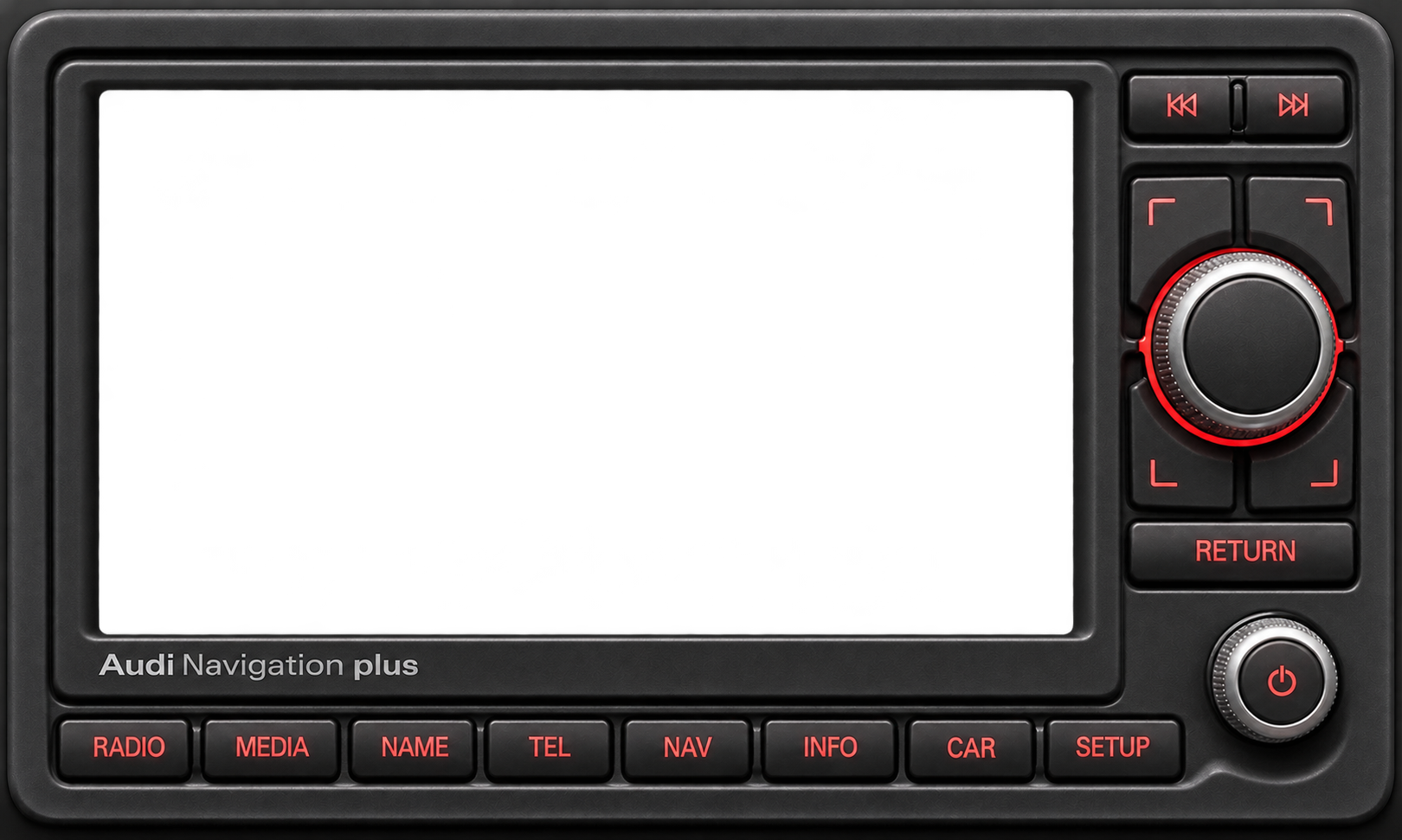
connecting…
Keys: ↑ ↓ (or ← →) turn the main knob, Enter presses it, Esc RETURN,
1–8 RADIO … SETUP, Q W A S the four soft keys,
, . previous / next, - + volume. On a knob, the middle presses it and the left or right edge (or the mouse wheel) turns it.
The power button is not connected to the main processor and does nothing here.